
Runs its training programmes on Zeno — courses built once, delivered to cohort after cohort, with completion tracked per client institution.
Put a code on the projector. They scan it, type their name and email, and they're inside the course. No accounts to create beforehand, no passwords to reset, no one left behind at the back.
Runs a corporate training company’s programmes · tested live with 1,500+ students
Scan → name → learningEvery batch gets its own code and link. Whoever joins is enrolled in that batch's courses automatically.
 Watch the demo
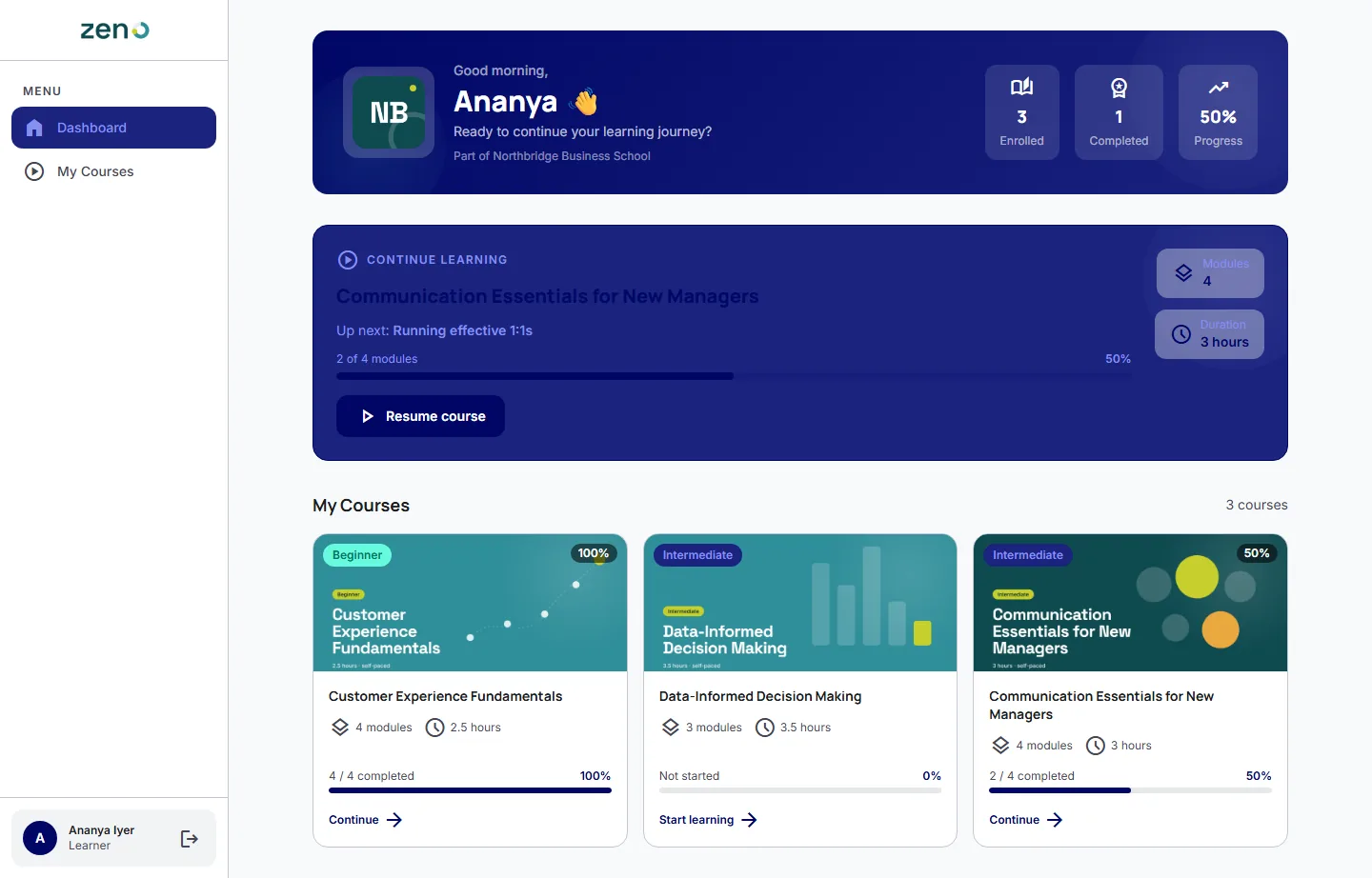
Where they left off, first thing they see. Their institution's logo, what they've enrolled in, what's finished, and one button back into the course they were halfway through.
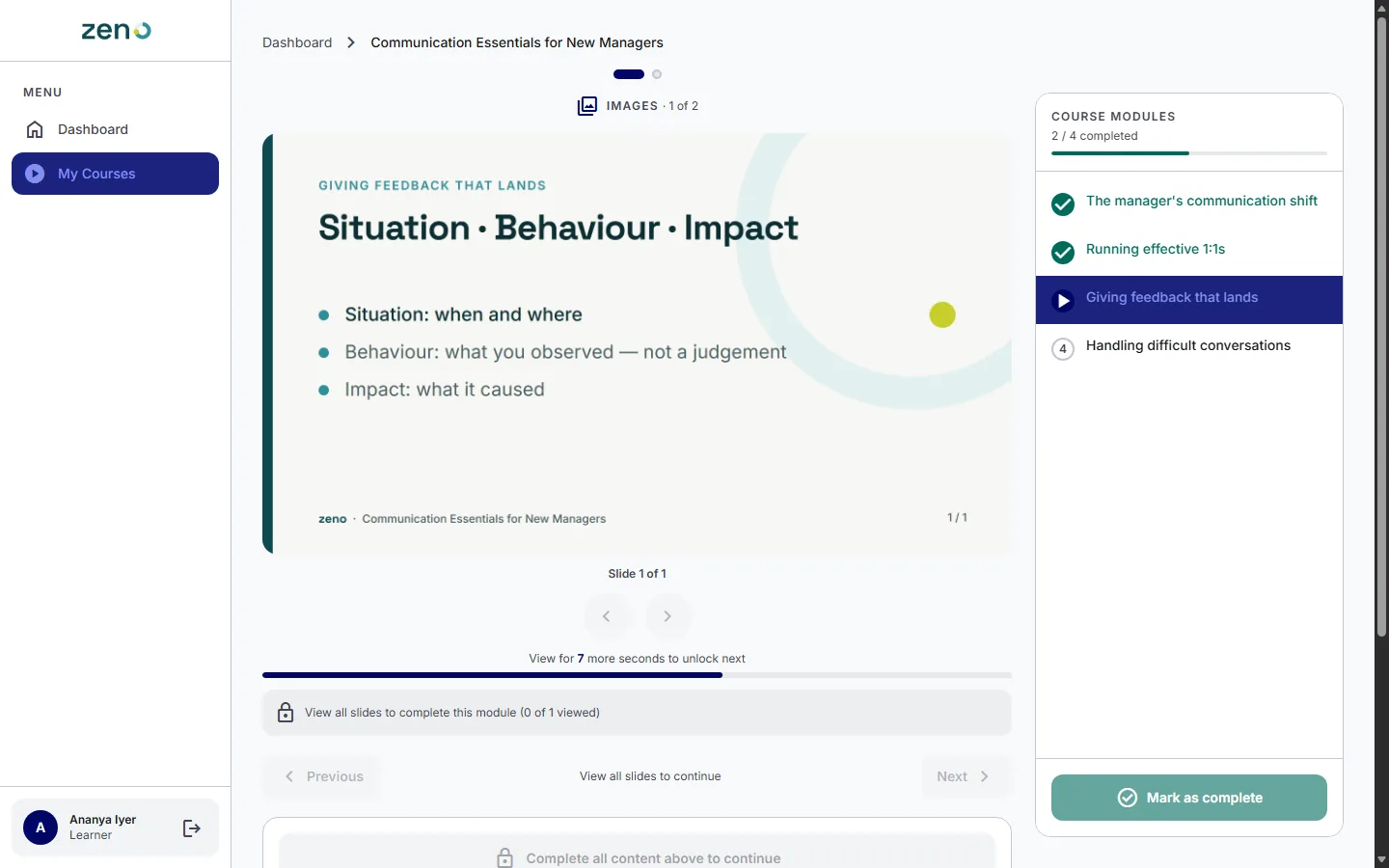
“View for 7 more seconds to unlock next.” Modules unlock in order, each slide holds for a minimum time, and the timer stops if they switch tabs. For compliance and induction training, that's the difference between a tick and actual evidence.
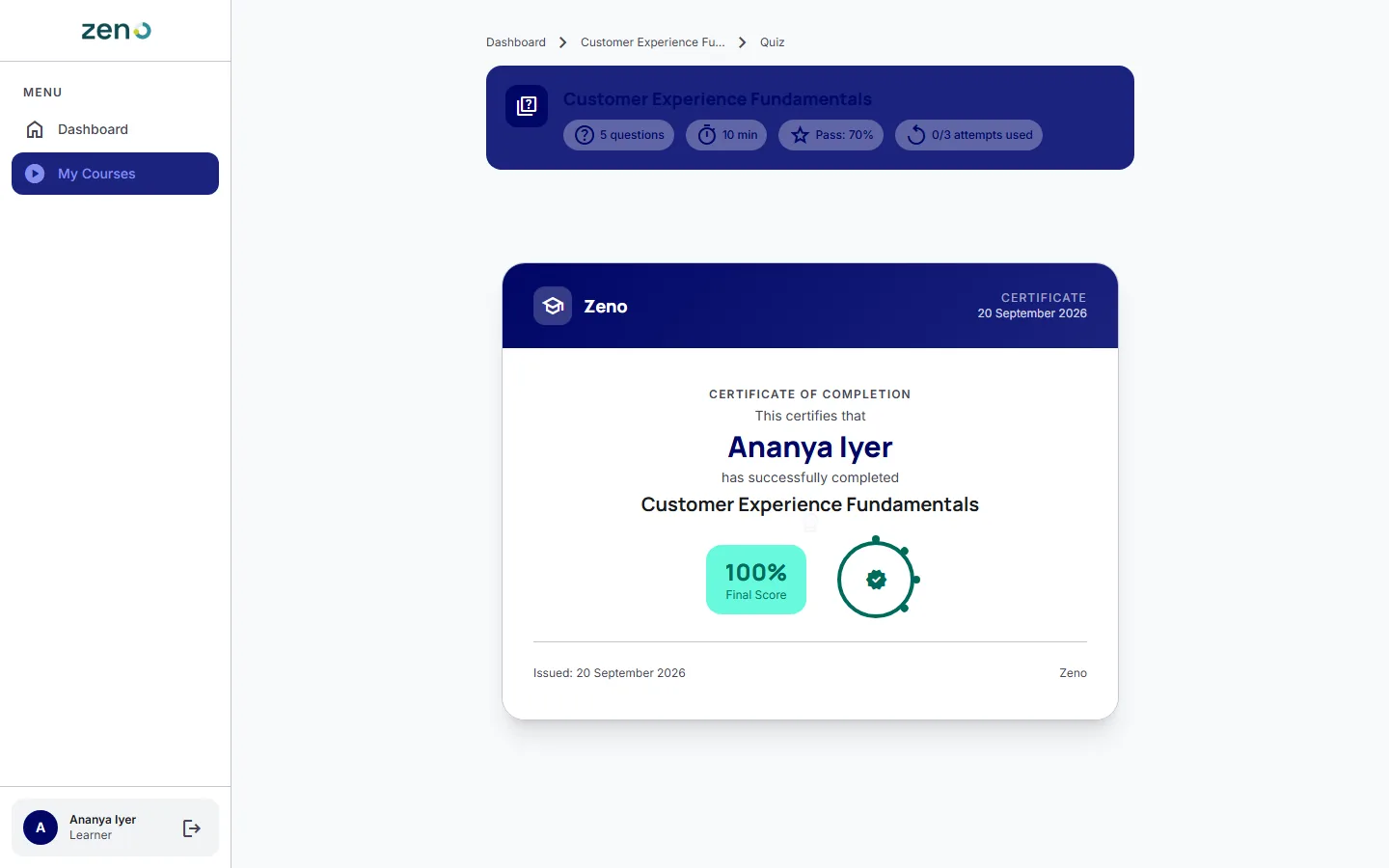
A timed quiz, marked on the server, then a certificate. Attempts are capped and the pass mark is yours to set. Upload your own certificate artwork and the learner's name is placed on it.
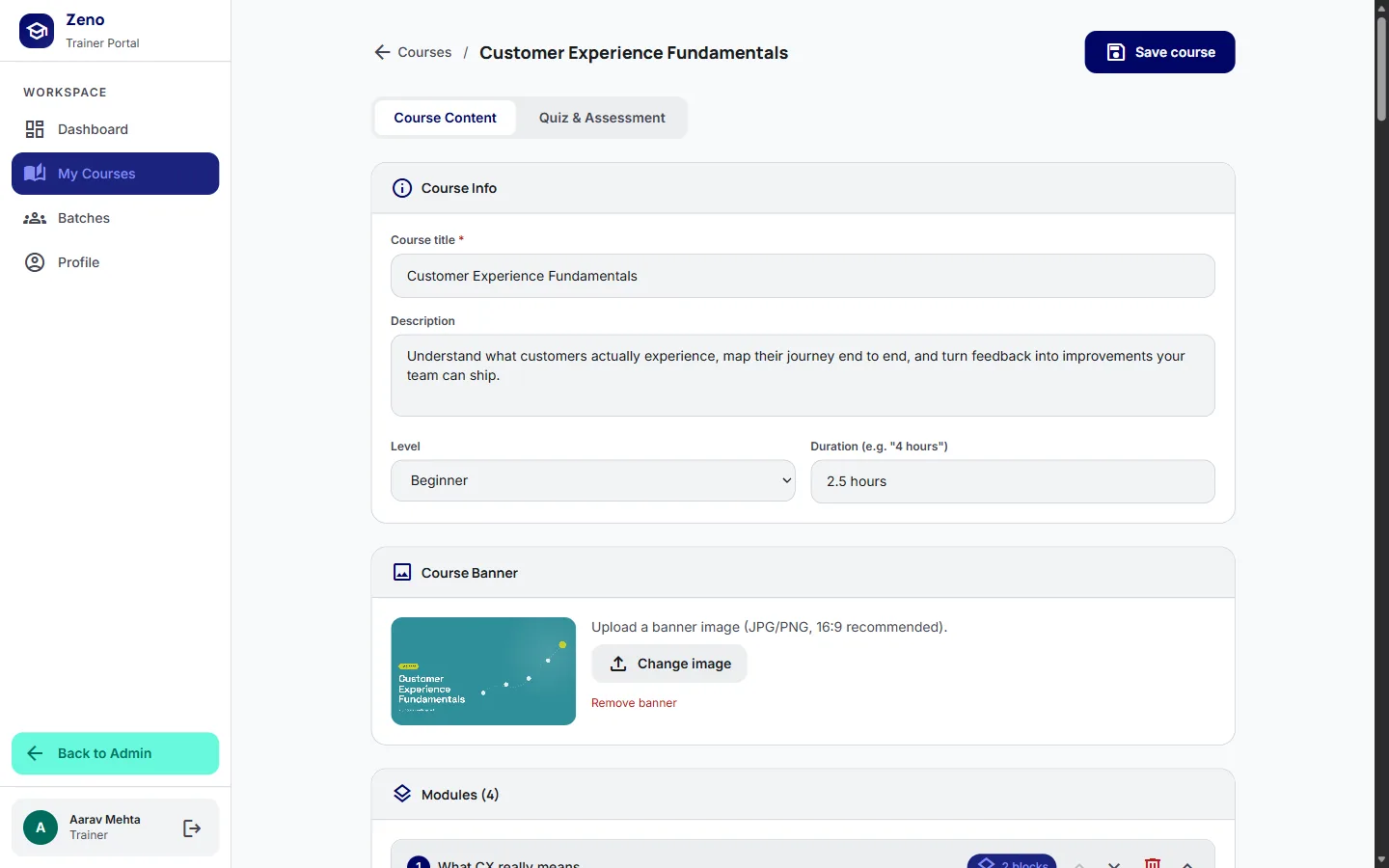
Built from what you already have. Drop in a PDF deck, a YouTube link, a handout, a knowledge check, or a SCORM package. Set how long each slide must be shown. Save, and it's live for the batch.
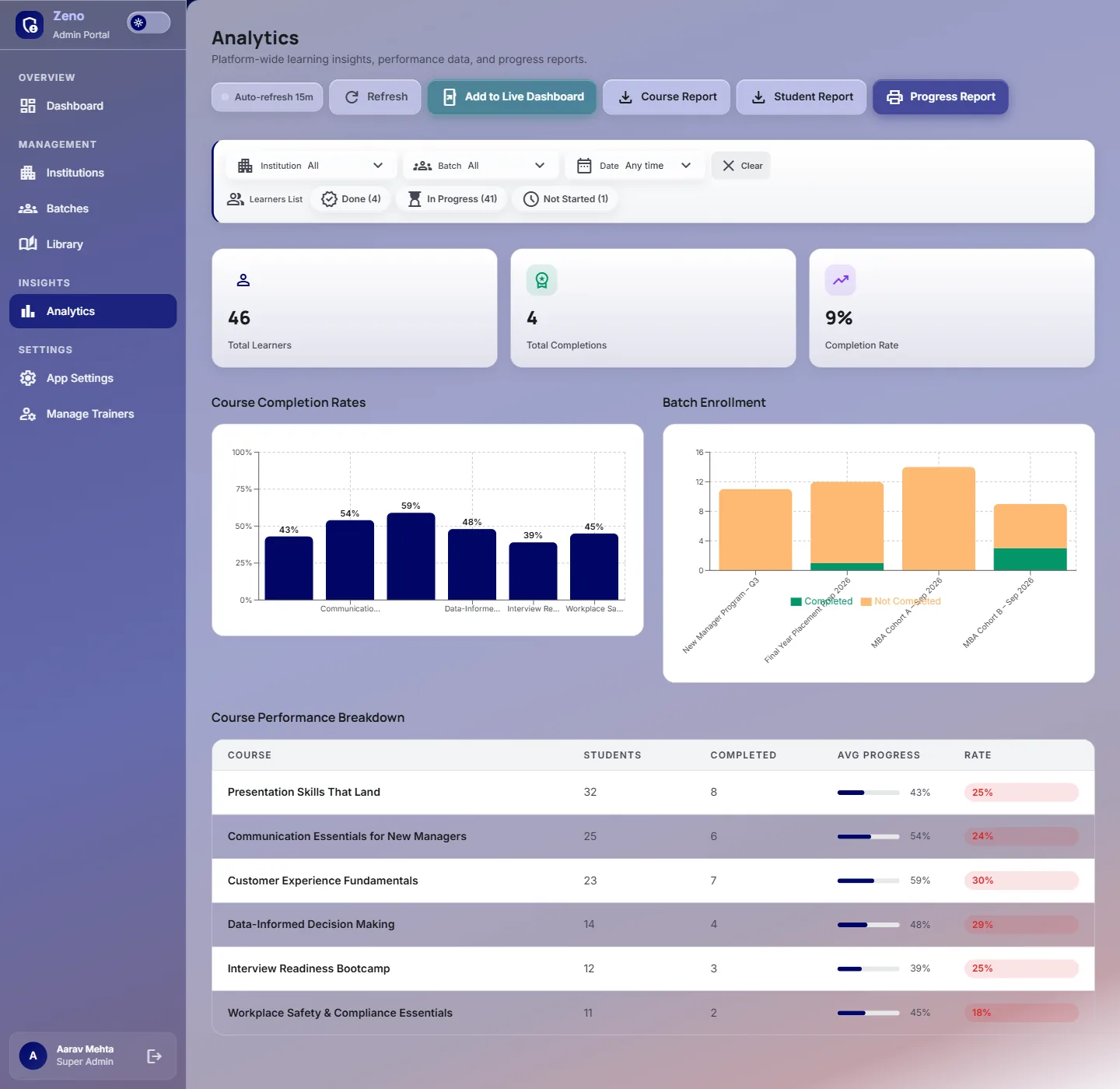
The evidence your client asks for. Filter by institution, batch and date, see completion rates per course, then print a two-page progress report with every learner's status.
Onboarding that takes a minute, not a morning.
Completion that means something.
Evidence without the spreadsheet evening.
Your logo in the app. Your certificate artwork behind every learner's name. Each client institution gets its own space, its own batches and its own sign-in rules — a college can have the frictionless version while a corporate client gets email verification. Access is time-boxed per batch, so a programme that ended stays ended until you extend it.
Runs its training programmes on Zeno — courses built once, delivered to cohort after cohort, with completion tracked per client institution.
Bring one course and one cohort. We'll set up your platform, your branding and your certificate, and you can run a real batch through it before deciding anything.
Start with a single batch and see the completion data for yourself.
Tell us what you teach and who you teach it to. We'll set Zeno up with your branding and one of your courses, and you can watch a real batch go through it.
Free first call · Reply within 1 business day